Accounts
An Account is a client company. It sits between Prospects (the pipeline) and Engagements (the work): each account holds one or more engagements.
Who can access
All firm users have org-wide visibility into accounts; ownership and engagement membership control who acts on the work underneath.
How it works
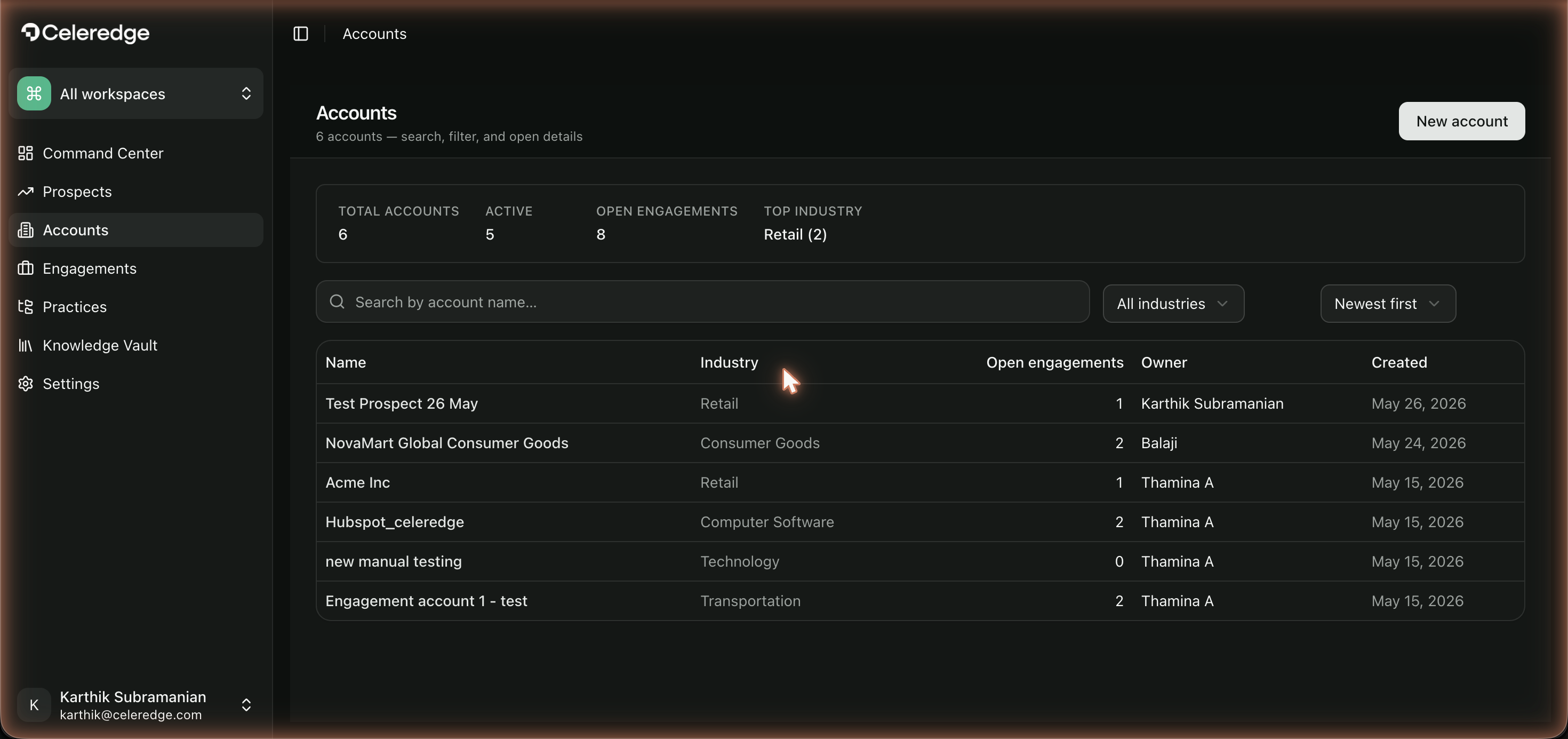
The Accounts area shows your client companies with their owners and live engagement stats. An account is the durable record of a client relationship — engagements come and go beneath it while the account persists.
Step by step
- Open Accounts from the firm sidebar.
- Create an account directly, or convert a Prospect.
- Create engagements under the account for each distinct piece of work.
- Review engagement stats — each account shows the live status of its engagements.
Best practices
- One account per client company. Keep all of a client's engagements under a single account so history and reusable knowledge stay connected.
- Use engagements for scope. Don't overload one engagement — create a new engagement per distinct piece of work so lifecycles and deliverables stay clean.