Data & Evidence Overview
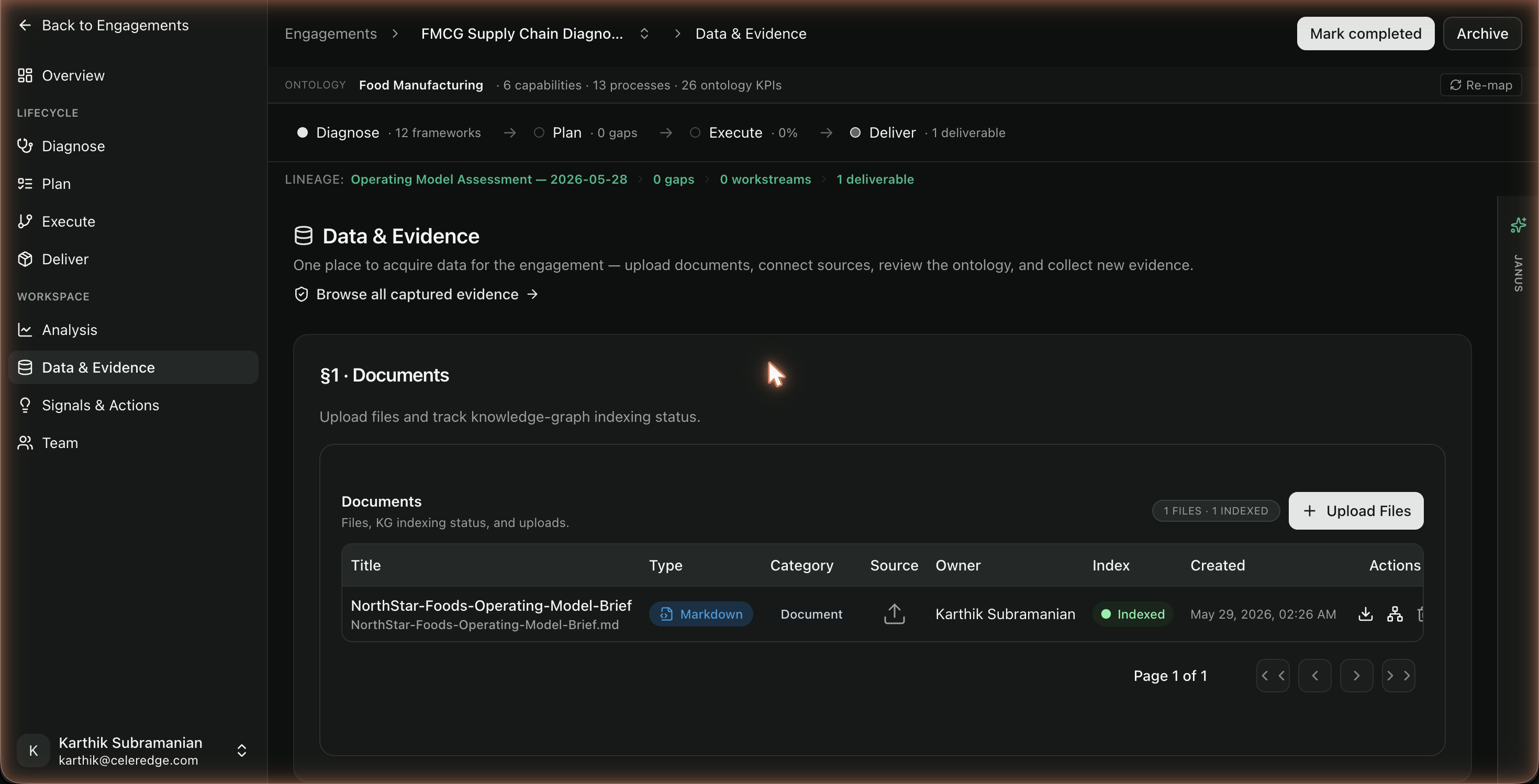
Data & sources is the engagement's hub for acquiring everything the AI reasons over — the sidebar item is labelled Data & sources, with a companion Evidence Vault item next to it. Strong evidence here is what makes every downstream result — assessments, signals, Ask the Data, reports — grounded and defensible.
Who can access
Members of the engagement team.
What's in the hub
| Section | What it does | Page |
|---|---|---|
| Documents | Upload client files; track indexing status | Documents |
| Connected sources | Link databases, CRM, document storage, surveys, workshops, and task management (Asana) | Connected sources |
| Ontology & KPI tree | The engagement's industry model and KPI structure | Ontology & KPI Tree |
| Collect data | Topic-based AI interviews | AI Interviews |
| Findings | Gaps and findings from this engagement's assessment runs | Diagnose |
A "Browse all captured evidence" link — and the Evidence Vault item in the sidebar — opens the Evidence Vault, the record of every data point used across the engagement, each with a link back to its source.
How it fits the lifecycle
Evidence collected here feeds the whole engagement. The general rule: collect before you analyze.
Step by step
- Open Data & sources in the engagement.
- Upload documents and watch them index.
- Connect sources (org defaults are inherited; override per engagement as needed).
- Review the ontology & KPI tree seeded from the engagement's industry.
- Collect data via AI interviews for gaps documents don't cover.
- Use "Browse all captured evidence" to inspect the Evidence Vault.
Best practices
- Treat this as step one of every engagement. Nothing grounded works without it.
- Inherit, then tailor. Start from org-level connected-source defaults; override for the client.
- Mix evidence types — documents, live data, and interviews each cover different gaps.