Engagement Team
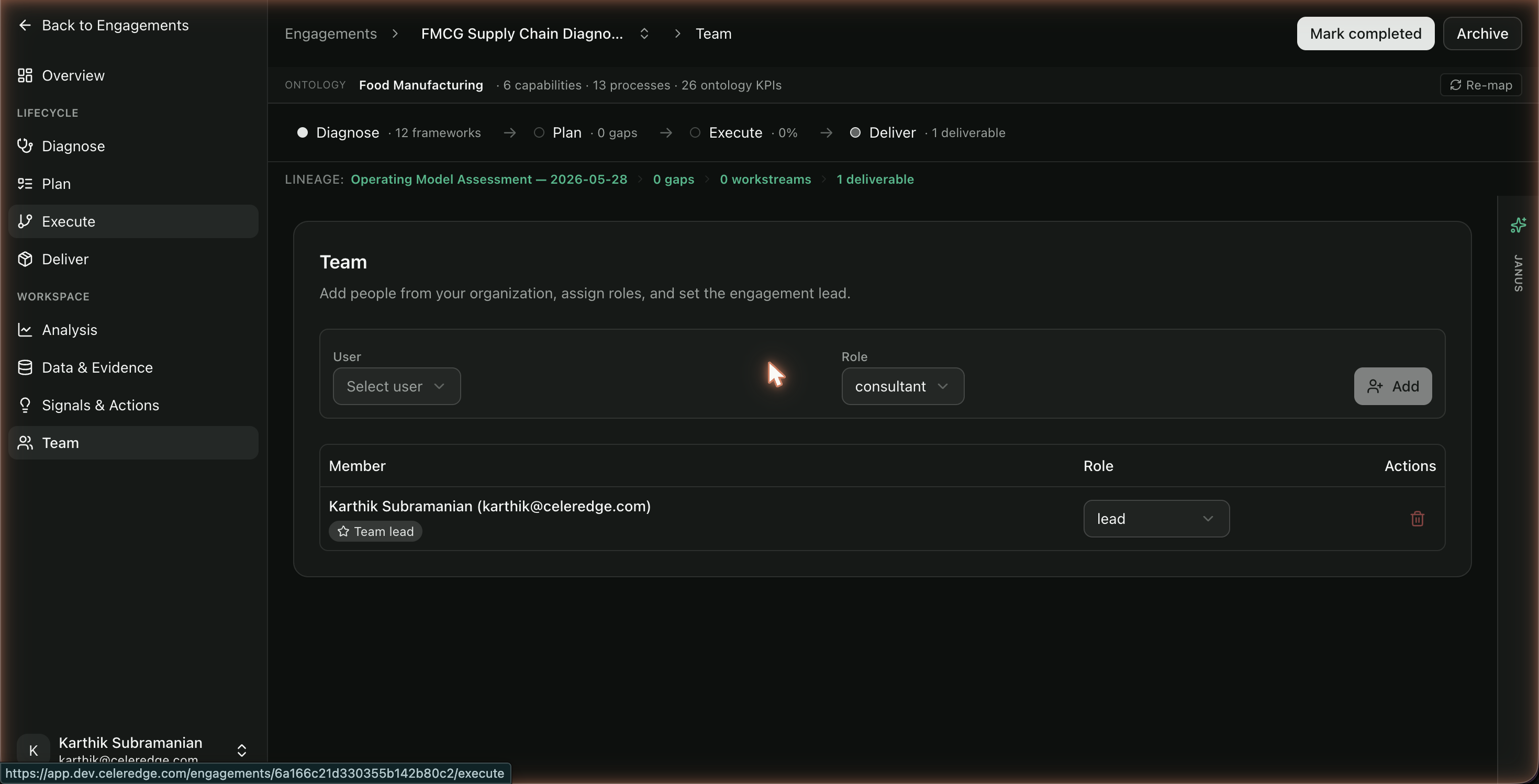
The Team page controls who can see and work on an engagement, and who leads it. Engagement membership is separate from firm-wide organization role — being on the engagement is what grants access to its work.
Who can access
Members of the engagement can view the team. Adding members and setting the lead is typically done by the engagement lead or an Organization Admin.
How it works
- Add organization users to the engagement.
- Assign each member an engagement-level role (e.g. consultant).
- Set one member as the engagement lead — the orchestrator of the work.
Step by step
- Open Team in the engagement sidebar.
- Add a member — select an existing org user to add to the engagement.
- Assign a role to the member.
- Set the engagement lead — designate who owns the engagement end to end.
Best practices
- Add people before they need access. Engagement work (assessments, evidence, deliverables) is visible to engagement members; add collaborators up front.
- One clear lead. The engagement lead is who the firm looks to for status — set it explicitly.
- Use the right org role for outsiders. For client-side or external collaborators, ensure their organization role (Reviewer / External) matches the access you intend.
Common errors
| Symptom | Likely cause | What to do |
|---|---|---|
| Can't find a person to add | They're not yet a user in your firm's tenant | An Org Admin invites them in Settings → Users first |
| A teammate can't see the engagement | They aren't on the engagement team | Add them here |